
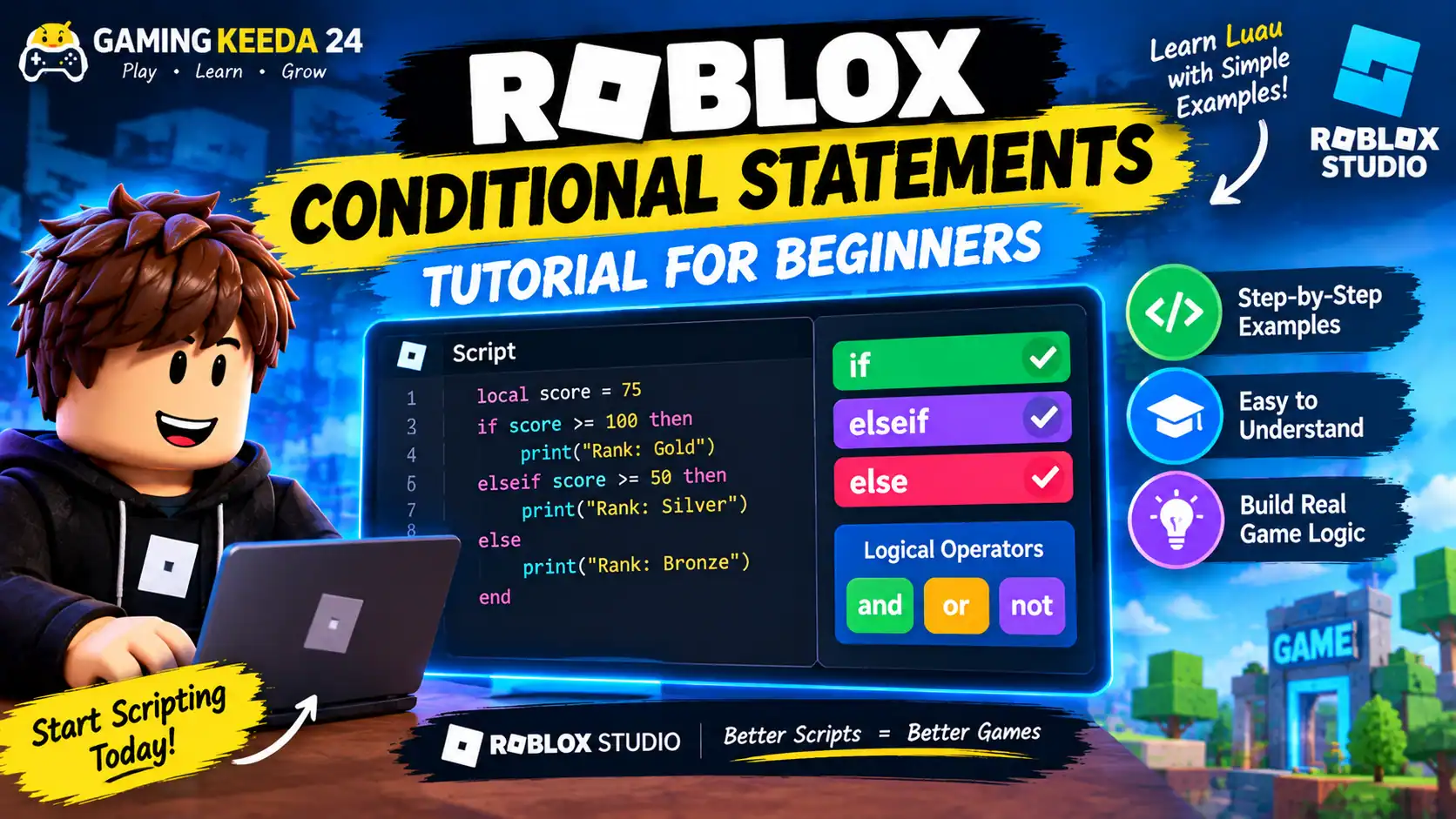
Want to learn how conditional statements work in Roblox Studio? Conditional statements help you make decisions in your game, such as opening a door when a player has a key, giving rewards when a player reaches a certain score, or dealing damage when a player touches a dangerous object.
In this beginner-friendly tutorial, Gaming Keeda 24 will explain Roblox conditional statements using simple Luau code examples that you can test in your own Roblox Studio project.
What Are Conditional Statements in Roblox?
Conditional statements allow your script to perform different actions depending on whether a condition is true or false.
Roblox uses Luau, its scripting language based on Lua. The most common conditional statements are:
if— runs code when a condition is true.elseif— checks another condition if the previous one is false.else— runs code when none of the earlier conditions are true.
1. How to Use an If Statement
Let’s start with a simple example.
local coins = 100

if coins >= 50 then
    print("You can buy this item!")
end
How it works:
local coins = 100stores the player’s coin amount.if coins >= 50 thenchecks whether the amount is at least 50.print()displays a message if the condition is true.endcloses the conditional statement.
Because the player has 100 coins, the Output window displays:
You can buy this item!
Try changing coins to 20 and run the script again. The message will not appear because the condition is false.
2. Using If, Elseif, and Else
Sometimes your game needs to check multiple conditions. For example, you might want to display a different rank based on a player’s score.
local score = 75

if score >= 100 then
    print("Rank: Gold")
elseif score >= 50 then
    print("Rank: Silver")
else
    print("Rank: Bronze")
end
In this example, a score of 75 produces Rank: Silver.
The script checks the conditions from top to bottom. When it finds a true condition, it runs that block and skips the remaining branches.
You can use this structure for player ranks, reward systems, shop purchases, and level progression.
3. Using Conditional Statements with Players
Let’s create a simple example that checks whether a player has enough coins to purchase an item.
local coins = 120
local itemPrice = 100

if coins >= itemPrice then
    coins = coins - itemPrice
    print("Purchase successful!")
    print("Coins remaining: " .. coins)
else
    print("Not enough coins!")
end
Because the player has 120 coins and the item costs 100, the purchase succeeds and the remaining balance is 20.
This is a learning example using local variables. In a real multiplayer game, important purchases and currency changes should be handled and validated on the server so players cannot manipulate the result through their client.
4. Using And, Or, and Not
Luau also supports logical operators that let you combine conditions.
And
Both conditions must be true.
local level = 10
local hasKey = true

if level >= 5 and hasKey then
    print("The door is unlocked!")
end
The door unlocks only if the player is at least level 5 and has the key.
Or
At least one condition must be true.
local hasVIP = false
local hasPass = true

if hasVIP or hasPass then
    print("Access granted!")
end
The message appears because the player has a pass, even though they do not have VIP status.
Not
The not operator reverses a Boolean value.
local doorOpen = false

if not doorOpen then
    print("The door is closed!")
end
This is useful for checking whether a door is closed, a player is not ready, or a task has not been completed.
5. How to Test Conditional Statements in Roblox Studio
Follow these steps to practise the examples:
- Open Roblox Studio and create a Baseplate project.
- Open Explorer from the View menu if it is hidden.
- Find
ServerScriptService. - Insert a new
Script. - Paste one of the code examples into the script.
- Click Play to run your project.
- Open the Output window to see the results.
- Change the variable values and test the conditions again.
Experimenting with different values is one of the easiest ways to understand how conditional statements work.
Common Beginner Mistakes
Forgetting then: Luau requires then after an if condition.
Forgetting end: Each conditional structure must be closed correctly.
Using = instead of ==: Use == to compare two values for equality. A single = assigns a value.
Checking conditions in the wrong order: Put more specific or higher-threshold conditions first when necessary.
Trusting client-side checks for important game rules: Currency, rewards, purchases, and permissions should be validated on the server.
Recommended YouTube Tutorials
If you prefer learning through videos, these YouTube searches will help you find beginner-friendly demonstrations.
1. Roblox Luau Conditional Statements for Beginners
2. Roblox Studio If, Elseif, and Else Tutorial
These are YouTube search links rather than verified individual video recommendations, so choose a tutorial that uses current Roblox Studio and Luau syntax.
Frequently Asked Questions
What are conditional statements in Roblox Studio?
Conditional statements let a script make decisions based on conditions. They are commonly used for doors, shops, player ranks, rewards, and game objectives.
Which language does Roblox Studio use?
Roblox Studio uses Luau, a scripting language derived from Lua and adapted for Roblox game development.
What is the difference between if and elseif?
An if statement checks the first condition. An elseif checks another condition if the earlier condition was false.
Can beginners learn conditional statements easily?
Yes. Start with simple comparisons, such as checking whether a score is greater than 10, then practise combining conditions using and, or, and not.
Final Thoughts
Conditional statements are one of the most important parts of Roblox scripting. Once you understand if, elseif, else, and logical operators, you can start building interactive features for your games.
At Gaming Keeda 24, we recommend testing each example in Roblox Studio and changing the values yourself. Practical experimentation will help you understand Luau faster and prepare you for more advanced scripting projects.
Official resource: Roblox Creator Hub – Luau