
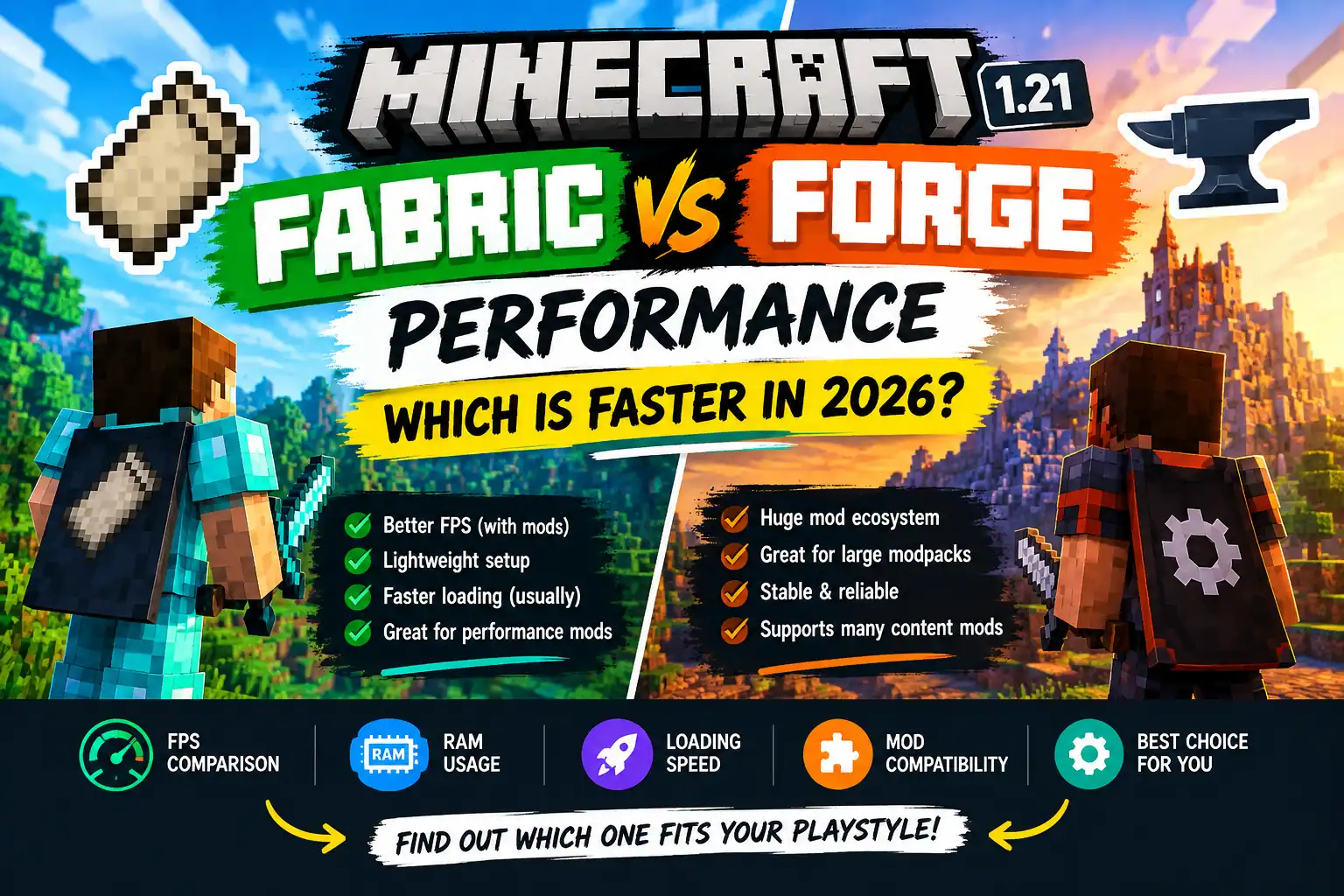
If you want better FPS, smoother gameplay, and a lightweight Minecraft setup, Fabric is an excellent place to start. It has popular performance mods such as Sodium and Lithium, which can improve rendering and game logic when used with compatible versions.
However, Forge is not automatically slow. A well-optimised Forge setup can perform very well, and the difference between the two loaders depends on which mods you install.
There is also an important detail for current Minecraft versions: NeoForge is a separate mod loader worth considering, especially if the mods you want support it instead of traditional Forge.
Here is the quick comparison:
| Feature | Fabric | Forge |
|---|---|---|
| Performance-focused setup | Excellent choice | Depends on available mods |
| FPS optimisation | Popular options such as Sodium | Depends on compatible optimisation mods |
| Large content mods | Good selection | Strong historical mod ecosystem |
| Mod compatibility | Fabric-specific mods | Forge-specific mods |
| RAM usage | Depends on the complete setup | Depends on the complete setup |
| Best starting point for lightweight gameplay | Often Fabric | Suitable when required by your mods |
These are general guidelines, not results from a controlled benchmark. Your actual performance may differ depending on your PC and mod list.
What Is the Difference Between Fabric and Forge?
Before comparing performance, it helps to understand what these tools actually do.
Fabric and Forge are mod loaders for Minecraft Java Edition. They allow compatible mods to modify or extend the game.
For example, you might install a mod that adds new animals, changes how blocks look, improves graphics, or makes the game run more smoothly.
Fabric uses a relatively lightweight approach to loading mods and is popular among players who want performance improvements and smaller utility mods.
Forge has a long history in Minecraft modding and supports a large collection of established mods, including many that add new gameplay mechanics, machines, dimensions, and items.
Neither loader is universally better. The best option depends on what you want to install.
1. FPS Performance: Does Fabric Give More FPS Than Forge?
This is usually the biggest question.
You might see people online claiming that Fabric doubles your FPS or that Forge always runs poorly. Neither statement is a reliable rule for every computer.
The biggest difference often comes from the performance mods installed rather than the loader alone.
Why Fabric is popular for FPS optimisation
Fabric supports well-known optimisation mods, including:
- Sodium: Improves Minecraft’s rendering performance.
- Lithium: Optimises various game logic systems.
- FerriteCore: Can reduce memory usage in compatible configurations.
- Entity Culling: Avoids rendering certain entities that are not visible.
- ImmediatelyFast: Optimises certain rendering operations.
Check each mod’s supported Minecraft versions and loader requirements before installing it. These mods do different jobs, and not every combination is compatible.
For a player using a low-end PC, starting with Fabric and a small, compatible selection of performance mods can be a practical way to improve the experience.
Can Forge also deliver good FPS?
Yes.
Forge performance depends on the mods and Minecraft version you use. If your favourite mods require Forge, switching loaders may not be worth losing access to them.
Depending on the Minecraft version, alternative rendering and optimisation mods may also be available for Forge or NeoForge.
The fair comparison is between two properly configured setups, not Fabric with performance mods versus Forge without them.
2. RAM Usage: Which Loader Uses Less Memory?
There is no single RAM figure that applies to every Fabric or Forge installation.
A setup with a few lightweight mods can use less memory than a large Fabric modpack containing many complex features. The same is true for Forge.
RAM usage is influenced by several factors:
- Number and type of mods.
- Texture pack resolution.
- Shader configuration.
- World size and complexity.
- Minecraft version.
- Java runtime and memory allocation.
How to manage Minecraft RAM
If your Minecraft installation struggles with memory, try these steps:
- Remove mods you no longer use.
- Avoid installing several mods that perform the same task.
- Use compatible versions of your mods.
- Keep your texture packs at a resolution your PC can handle.
- Check whether Minecraft is running out of memory before increasing its allocation.
Giving Minecraft more RAM is not always the answer. Excessive allocation can also cause problems, and your operating system needs memory for other applications.
For smaller setups, begin with the memory allocation recommended by your launcher or modpack and adjust only when you have evidence that more memory is needed.
3. Which Loader Has Faster Startup and World Loading?
Fabric is often attractive for lightweight installations because its loader design is relatively minimal. However, startup speed also depends heavily on the mods being loaded.
A large modpack can take considerably longer to start than a small one, regardless of the loader.
World loading is another separate issue. Generating new chunks, loading many entities, and reading data from storage can affect performance even when the game has a high average FPS.
If your Minecraft launcher takes a long time to reach the main menu, check your mod list and game logs before blaming the loader.
If the game opens quickly but freezes while generating new terrain, investigate chunk generation and world performance instead.
4. Fabric vs Forge for Low-End PCs
If you play Minecraft on an older laptop or a PC with limited memory, your best setup is usually the one that combines compatible mods with sensible graphics settings.
Fabric is a strong starting point because of its established performance-focused mod selection.
Here is a practical approach.
Recommended lightweight Fabric setup
- Fabric Loader for your Minecraft version.
- Sodium for rendering optimisation.
- Lithium for compatible game logic optimisation.
- FerriteCore if a compatible version is available.
- Default or reduced graphics settings while testing performance.
Install only the mods that support your exact Minecraft version.
Start the game without shaders and with a moderate render distance. Then add other visual features gradually.
What if your favourite mod requires Forge?
Keep using Forge if that is the only supported option for your desired mod or modpack.
You can still reduce lag by lowering render distance, removing unnecessary mods, checking memory usage, and using compatible optimisation mods.
There is no reason to rebuild an entire installation just because another loader is popular for performance.
5. Fabric vs Forge vs NeoForge in 2026
For newer Minecraft releases, the comparison is not always simply Fabric versus Forge.
NeoForge is a separate project with its own loader and mod compatibility requirements. Some modern mods that players previously used on Forge have moved to or prioritise NeoForge for newer Minecraft versions.
Use this simple guide:
| Your goal | What to consider |
|---|---|
| Better FPS with lightweight mods | Fabric |
| A specific older modpack | The loader required by that pack |
| Modern content mods that require NeoForge | NeoForge |
| A mix of specific mods | Check compatibility before choosing |
| The newest Minecraft release | Check which loaders and mods support it |
Do not assume a Forge mod will automatically work on NeoForge or Fabric. A mod must explicitly support the loader and game version you intend to use, unless its developer documents another compatible method.
6. How to Compare Fabric and Forge Performance on Your Own PC
If you want to know which option is faster on your computer, a simple, repeatable test is more useful than relying on random FPS claims.
Step 1: Use the same Minecraft version
Choose a Minecraft release supported by both loaders and the mods you intend to compare.
Avoid comparing different Minecraft releases because changes to the game itself can affect performance.
Step 2: Keep the graphics settings identical
Use the same:
- Resolution.
- Render distance.
- Simulation distance.
- Graphics quality.
- VSync setting.
- World or test area.
Step 3: Test a similar mod setup
Compare equivalent mods where possible. If one installation uses Sodium and the other does not have a comparable renderer, record that difference rather than presenting the result as a pure loader comparison.
Some mods are available for only one loader, so perfectly identical setups may not be possible.
Step 4: Test the same area
Load the same world and explore the same area. Allow the game to settle after loading, then record FPS over several runs.
Try to keep background applications and other conditions consistent.
Step 5: Compare more than average FPS
Pay attention to:
- Average FPS.
- Sudden FPS drops.
- Stuttering while moving.
- Time taken to load the game.
- Memory usage.
- Stability and mod compatibility.
A game that averages a high FPS but frequently stutters may feel worse than a game with a slightly lower but more consistent frame rate.
Do not treat results from one PC as a guaranteed outcome for every player.
7. Common Mistakes That Make Both Loaders Run Slowly
Changing your mod loader will not automatically fix every performance problem.
Watch out for these common mistakes.
Installing incompatible mods: Mods built for different Minecraft versions or loaders may fail to launch or cause instability.
Using too many shaders: High-quality shaders can be demanding, especially on integrated graphics.
Setting render distance too high: Minecraft must process more terrain when you increase the render distance.
Installing too many content mods: Large modpacks can add entities, machines, world generation, and other features that increase CPU and memory demands.
Allocating RAM without checking usage: More allocated memory is not always better.
Ignoring the graphics card selection: On some systems, Minecraft may run on integrated graphics instead of the dedicated GPU. Check your operating system and graphics settings if performance seems unexpectedly poor.
Make one change at a time so you can identify which adjustment actually helps.
Frequently Asked Questions
Is Fabric faster than Forge in 2026?
Fabric is often a good choice for performance-focused setups, particularly when you use compatible optimisation mods. However, Fabric is not guaranteed to outperform every Forge installation. Mod selection, hardware and configuration all matter.
Does Fabric give more FPS in Minecraft?
It can, especially when paired with suitable rendering and game logic optimisation mods. The improvement depends on your starting setup and the hardware you use.
Is Forge better for modpacks?
Forge has a long-established ecosystem of content mods and modpacks. However, some newer modpacks use NeoForge or Fabric. Always check the modpack’s requirements rather than choosing a loader based only on popularity.
Does Fabric use less RAM than Forge?
Not in every situation. Memory usage depends on the Minecraft version, the number of mods, their features, and your configuration.
Can I use Fabric and Forge together?
You generally cannot load ordinary Fabric and Forge mods together in the same standard game instance. Keep separate installations or profiles unless you are deliberately using a documented compatibility solution.
Should I switch from Forge to Fabric for better FPS?
Switching may help if you want a lightweight performance-focused setup and your required mods support Fabric. If your existing modpack depends on Forge, try optimising that installation first.
Is NeoForge better than Forge for Minecraft 1.21?
The answer depends on the specific 1.21 release and the mods you want. Some modern mods target NeoForge, while others continue to support Forge or Fabric. Check each mod’s current compatibility information before switching.
Final Verdict: Which Minecraft Mod Loader Should You Choose?
For players whose main goal is better FPS and a lightweight Minecraft experience, Fabric is a sensible first choice. Its performance-focused mod ecosystem makes it easy to build an installation around rendering and gameplay optimisation.
Forge remains useful when it is required by the mods you want to play. NeoForge is also worth checking for newer content-focused modpacks.
The most important thing is not to choose a loader based on a claim that it is always faster. Choose the one that supports your desired mods, then optimise the complete setup for your hardware.
Our recommendation: Start with Fabric if performance is your main priority. Choose Forge or NeoForge when your favourite mods or modpack require them, and test performance before making a major change to your installation.